

Simplifying Tech for our Parents
iPhones aren’t just for tech-savvy teens or busy professionals—they’ve quietly become some of the most powerful tools for older adults. With built-in accessibility features, health tools, and easy-to-use apps, an iPhone can help grandparents stay connected with loved ones, manage health needs, and even make day-to-day tasks simpler.
Apple has designed iPhones with seniors in mind, making sure independence and comfort are just a few taps away.
Accessibility Features That Make iPhones Senior-Friendly
Apple built accessibility into the iPhone’s core design, so it can adjust to vision, hearing, or mobility needs.
-
VoiceOver – A screen reader that speaks what’s on the screen, perfect for those with vision changes.
-
Zoom (Magnifier) – Turns the iPhone into a digital magnifying glass for menus, medication bottles, or books.
-
Made for iPhone (MFi) Hearing Aids – Seamlessly pairs hearing aids with the iPhone for clearer sound.
-
Speak Screen – Reads on-screen text aloud with a simple two-finger swipe.
-
Custom Display Settings – Options like larger text, bold type, higher contrast, and reduced motion make screens easier to read.
These small tweaks add up to a big confidence boost, helping seniors feel at ease with technology.
Communication Made Simple
Staying connected is easier (and more fun) with iPhone’s built-in tools:
-
Siri Voice Commands – Say “Hey Siri” to call a loved one, send a text, or ask about the weather—no typing required.
-
FaceTime Video Calls – Perfect for family check-ins or virtual grandparent storytime, with group calls of up to 32 people.
-
Messages with Predictive Text – Suggests words as you type, making texting faster and easier.
Myth: Video calls and smart assistants are too complicated for seniors.
Fact: With simple prompts and large, clear buttons, these tools are designed for ease—even first-time users.
Health and Safety Features You’ll Love
The iPhone doubles as a health and safety companion, offering peace of mind to both seniors and their families.
-
Medical ID – Stores allergies, medications, and emergency contacts, accessible from the lock screen.
-
Emergency SOS – Quickly calls emergency services and alerts loved ones with your location.
-
Fall Detection (via Apple Watch) – Automatically calls for help if a hard fall is detected.
These tools turn the iPhone (and Apple Watch, if paired) into a safety net you can rely on.
Everyday Organization Tools
Managing daily life gets easier with these built-in apps:
-
Reminders – Create to-do lists with alerts for medications or errands.
-
Calendar – Track appointments, birthdays, and events.
- Notes – Quickly jot down grocery lists or ideas, and find them later with search.
Entertainment and Lifelong Learning
Staying engaged and entertained matters at every age. The iPhone offers:
-
Podcasts – Listen to shows on hobbies, history, or health.
-
News App – Get curated headlines and even listen to audio stories.
-
Books App – Read ebooks or listen to audiobooks, with adjustable font sizes and screen backgrounds.
Navigation and Travel Made Easy
For outings, errands, or family visits, iPhone helps seniors travel with confidence:
-
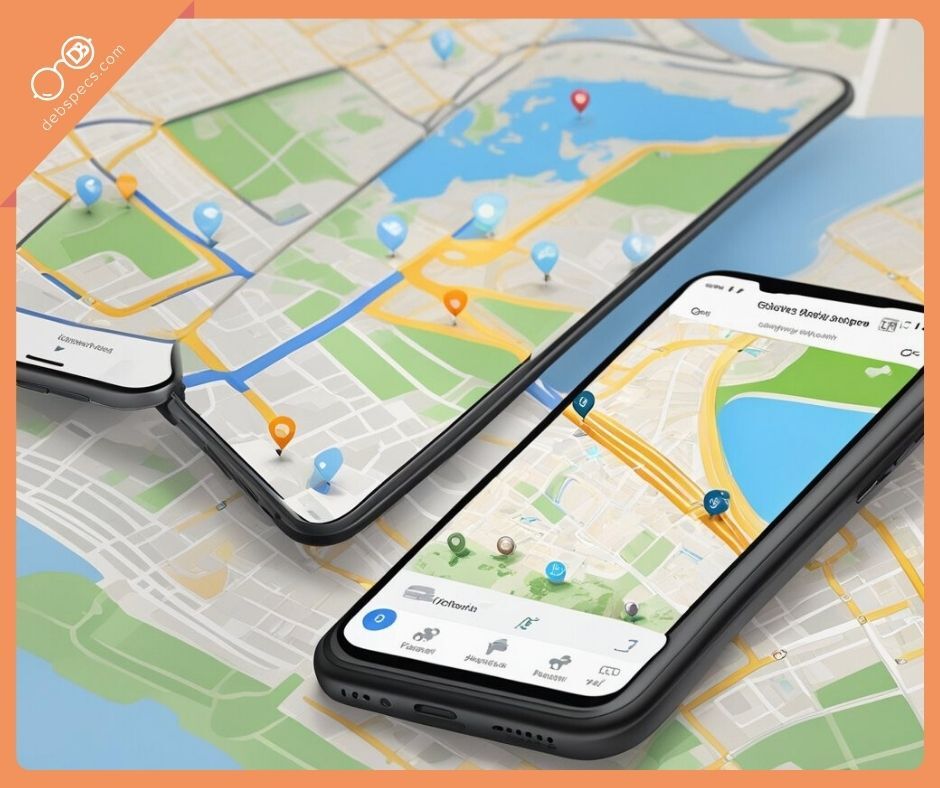
Maps App – Provides turn-by-turn directions, real-time traffic, and public transit info.
-
Favorites – Save common destinations like home or the doctor’s office.
- Find My iPhone – Share location with family for safety, and locate a misplaced device with sound alerts or Lost Mode.
Bonus Resources for Tech-Confident Grandparents
For seniors who want to dive deeper:
-
App Store – Explore health trackers, brain games, and social apps like Facebook or Skype.
-
Apple Support – Official guides on setup and troubleshooting.
- YouTube Tutorials – Channels like Apple’s Official Channel or Senior Tech Lessons offer step-by-step videos.
TL;DR
The iPhone is more than a phone—it’s a lifeline for independence. With built-in accessibility tools, safety features, health tracking, and apps for fun and learning, it helps seniors stay connected and confident. Whether it’s enlarging text, making a FaceTime call, or setting medication reminders, the iPhone adapts to your lifestyle.
FAQs
Q: Is the iPhone too complicated for seniors who aren’t tech-savvy?
A: Not at all. Apple designed accessibility features to be simple and intuitive, with clear settings and large controls.
Q: Do I need special apps to use accessibility features?
A: No—most features, like VoiceOver, Magnifier, and Medical ID, are already built in.
Q: Can an iPhone really help in emergencies?
A: Yes. Features like Emergency SOS and Medical ID are lifesavers, and pairing with an Apple Watch adds fall detection.
Q: What’s the best iPhone model for seniors?
A: Any recent model works well, but larger-screen models (like iPhone Plus or Pro Max) are easier to read.
Bottom line: iPhones aren’t just for the young—they’re a stylish, smart, and safe choice for seniors who want to stay independent and connected.
Share


